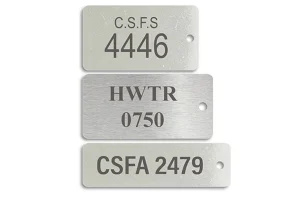
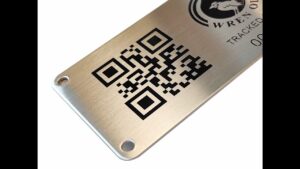
Keep the specified code type when your equipment already has an agreed reading requirement. For a new setup, start with a linear barcode for an identifier that fits the available width and the intended reader; evaluate QR Code when the reading workflow calls for a QR-accessible link or data; evaluate Data Matrix when the application needs a compact matrix symbol and the reader supports it. Confirm each choice against your actual data and an installed metal sample.
My first question is what the customer will use to read the tag. That answer, together with any existing specification, is more useful than starting with which code can be made smallest.
Start with the Code and Reader Already Specified
If your customer, production line or equipment specification defines the code type, use that as the starting point. Supply the exact requirement, not just a picture of a similar label.
For a linear barcode, identify the particular symbology, such as Code 128, rather than requesting only a “barcode.” QR Code and Data Matrix are also barcodes: they encode information in two dimensions. This guide uses “linear barcode” for the bars-and-spaces option and names the two matrix options separately.
A smaller symbol is not, by itself, a reason to change an established requirement. Before considering a different code, have the team responsible for reading it confirm that the equipment and receiving application can accept the change.
The manufacturing task is then to fit that requirement onto a suitable physical label. For serialized and barcode metal labels, the data, layout and reading conditions need to be considered together. Manufacturing a readable symbol does not include operating the database or software behind it.
Compare the Codes When You Have a Choice
For a new project, prepare an example of the exact content before selecting the symbol. A short equipment identifier and a web address are different requirements. So are a fixed value and a value that changes on every tag.
Use the following table to choose a starting point for evaluation, not as a universal ranking.
| Your requirement | Candidate to evaluate first | What to confirm before choosing |
|---|---|---|
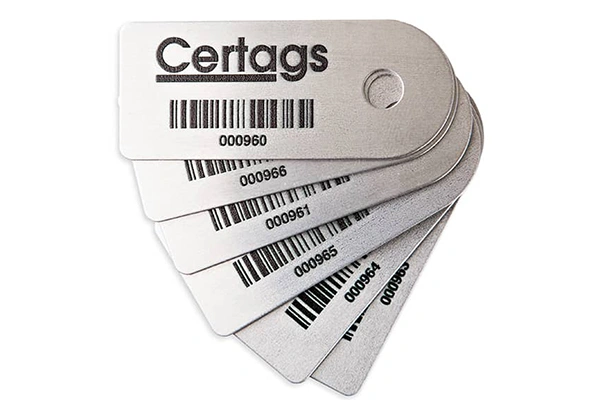
| An identifier read by an established linear-barcode workflow | The linear symbology accepted by that workflow | Supported characters, data length, available width and reader requirements |
| A link intended to be opened through a QR-reading workflow | QR Code | The complete link, intended device or application, and available marking space |
| A compact matrix symbol for an industrial identification application | Data Matrix | Reader support, required data structure and the layout made from the actual content |
| A customer-specified code or data standard | The specified symbology and format | Exact requirements; do not substitute another code solely to reduce size |
| No reader, content or installation requirement has been decided | Define those inputs before selecting a code | Who reads it, what they need to receive and where the tag will be mounted |
DENSO WAVE’s QR Code overview describes QR Code’s data and symbol features. For Data Matrix, KEYENCE’s technical explanation shows square and rectangular configurations and explains how content and module size affect the finished symbol. These features help narrow a choice; they do not establish a minimum readable size for your metal tag.
Compare Layouts Using the Same Data
Give each candidate the content it would need to carry in production. Comparing a short identifier in one symbol with a long link in another will not tell you which layout suits the project.
Reserve space for the code’s required clear area, any readable identifier, and the tag’s mounting features. The usable marking area is not necessarily the full outer dimension of the plate. When preparing metal asset tags, make the reading requirement part of the layout discussion rather than adding the code after the plate size has been fixed.
There is no single minimum size to apply across these three choices. Data content, symbol construction, the size of individual bars or cells, and reader conditions all matter. Ask for a layout based on your content, then confirm its physical reading performance.
Evaluate the Code on the Mounted Metal Tag
I would check where the tag will sit before deciding how small the code should be. A sample lying flat on a desk does not show whether the reader will have the same access once the tag is installed.
Describe the intended reading position: handheld or fixed reader, working distance, angle and light. Include any nearby parts that limit access. If the tag sits on a curved surface or inside a recess, show that location in a drawing or photograph.
The metal surface and finished marking belong in the same review. Contrast, surface reflections and the clarity of the marked bars or cells need to be assessed on the physical sample. A code that looks clear when enlarged on a screen still needs checking at the intended size.
Agree which conditions the sample should represent. Reading a loose sample is useful early in the project; checking it in its intended mounting position answers a different question. Neither check establishes that every reader or environment will produce the same result.
Check Readability and Decoded Content Separately
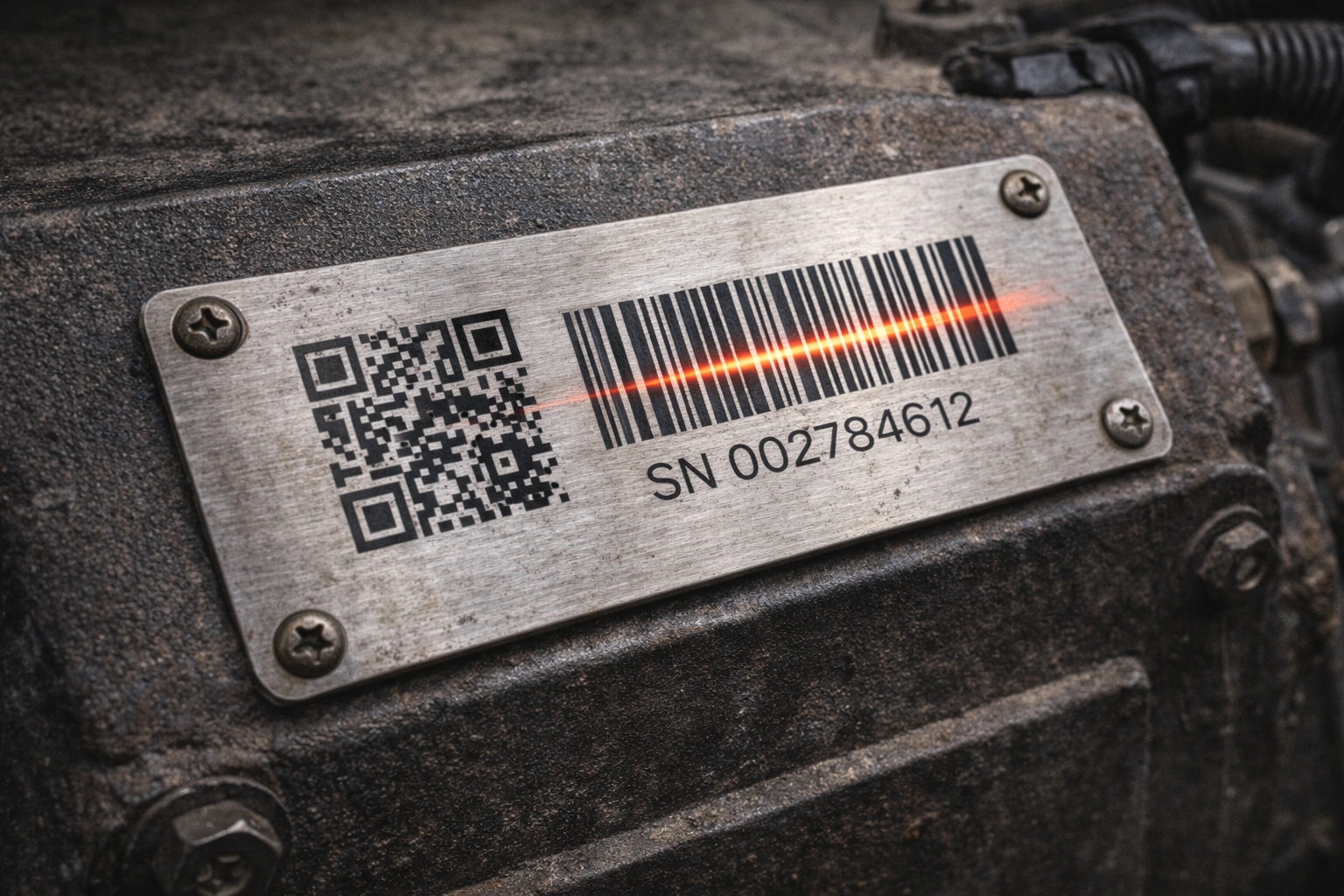
A sample review should answer two questions: can the intended device read the code, and does the decoded content match the approved requirement?
Confirm the Reading Setup
Use the specified reader and intended operating conditions where practical. A phone scan can be an initial reference, but it cannot replace the industrial-reader check if that is what the project requires.
Record the setup used for approval: reader identification, sample layout, mounting position and relevant distance, angle and lighting. This makes the result understandable to both parties without suggesting it applies to untested conditions.
Confirm the Returned Value
Compare the decoded output with the approved data version. Also check any text printed beside the code. The visible identifier and encoded value do not have to be identical if the project deliberately defines different fields, but their relationship must be clear and approved.
For a link, confirm that the decoded address is the required address. The customer remains responsible for its destination and the associated software or records. For an equipment identifier, confirm that the returned value is the identifier the receiving workflow expects.
Separate a Scan Check from a Grading Requirement
A successful read demonstrates a result with that reader and setup. Formal symbol verification evaluates marking quality against defined criteria. KEYENCE’s verification overview explains this quality-assessment role.
If your project requires a grade or report, specify the applicable method, acceptance criteria and reporting responsibility before ordering. Do not assume a routine scan check includes that service.
Long-term readability is a separate requirement again. State the cleaning, exposure or wear conditions relevant to your application and agree how they will be evaluated. One successful sample scan is not evidence of service life.
Send the Information Needed for a Code Review
You do not need to determine every manufacturing detail yourself. Start with the inputs that define how the tag must work:
- The exact content to encode, including a representative variable-data example where applicable.
- Any specified code type, data format and reading equipment.
- Label dimensions and the area available for the code and readable text.
- The mounting location, surface and fixing requirements.
- Expected reading distance, angle, lighting and access constraints.
- Relevant cleaning, moisture, abrasion or other exposure conditions.
- Any required verification grade, report or additional acceptance test.
Himgo’s manufacturing capabilities include project review for physical metal identification parts. Share the information above so the layout, material and marking route can be assessed together. The project and sample process provides the next steps for confirming requirements before production.
The choice is straightforward once those inputs are clear: retain an established code requirement where it applies; otherwise compare compatible candidates using the actual data, then check both reading and content on a representative sample.
Request a project review and quote with your code requirement, data example and installation details. Any special verification or reporting arrangement should be agreed for the project.