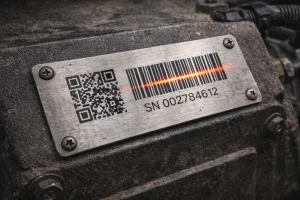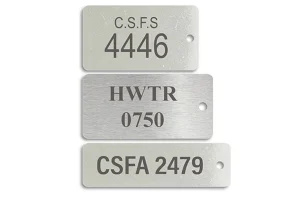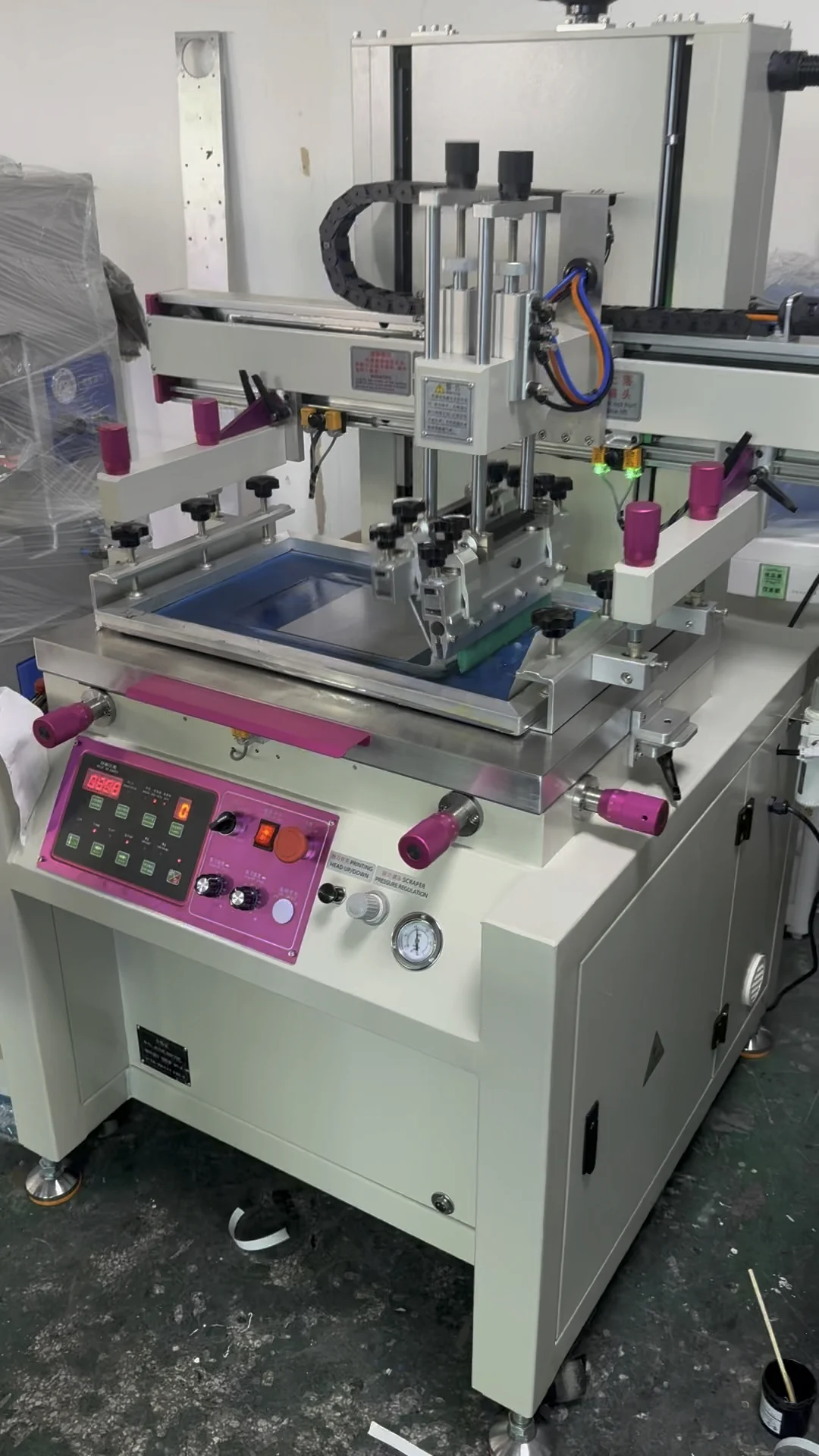
You do not need a complete CAD package to start a nameplate inquiry. A clear photo, simple sketch, approximate size, quantity, and mounting location are enough for an initial discussion. Before sampling or production, the artwork, mechanical drawing, appearance requirements, and final revision must agree.
The useful rule is simple: send what you have for the first review, then add detail in stages. Artwork explains what the plate should show. A mechanical drawing explains how the part should be made and installed. When the two documents disagree, pause the review and confirm which information is authoritative before the next step.
1. What to Send for an Initial Inquiry
For an initial review, provide the information already available rather than waiting for every detail to be final:
- What the plate identifies: equipment, product housing, machine panel, or another application.
- Approximate size: overall length, width, and any known thickness requirement.
- Quantity: an initial quantity or expected production volume, if known.
- Mounting location: where the plate will sit and whether the surface is flat, curved, painted, or textured.
- Available references: a photo, sketch, existing plate, sample, PDF, artwork, or drawing.
This information helps the manufacturing team understand the project and identify the next details to confirm. It does not replace a final quotation basis. Materials, marking, dimensions, installation requirements, and other critical specifications must be clear before the formal quotation is finalized.
2. Artwork and Mechanical Drawings Have Different Jobs
Keeping these two sources of information separate makes the review easier.
Artwork: What the Plate Should Show
Artwork is used to review the visual content, such as:
- Logo and text appearance.
- Font, character arrangement, and graphic layout.
- Fixed and variable information areas.
- Color, contrast, finish, or surface appearance references.
The exact file format and preparation requirements depend on the project. If the final artwork is not ready, a PDF, photo, sketch, or existing sample can support an initial discussion.
Mechanical Drawing: How the Plate Fits
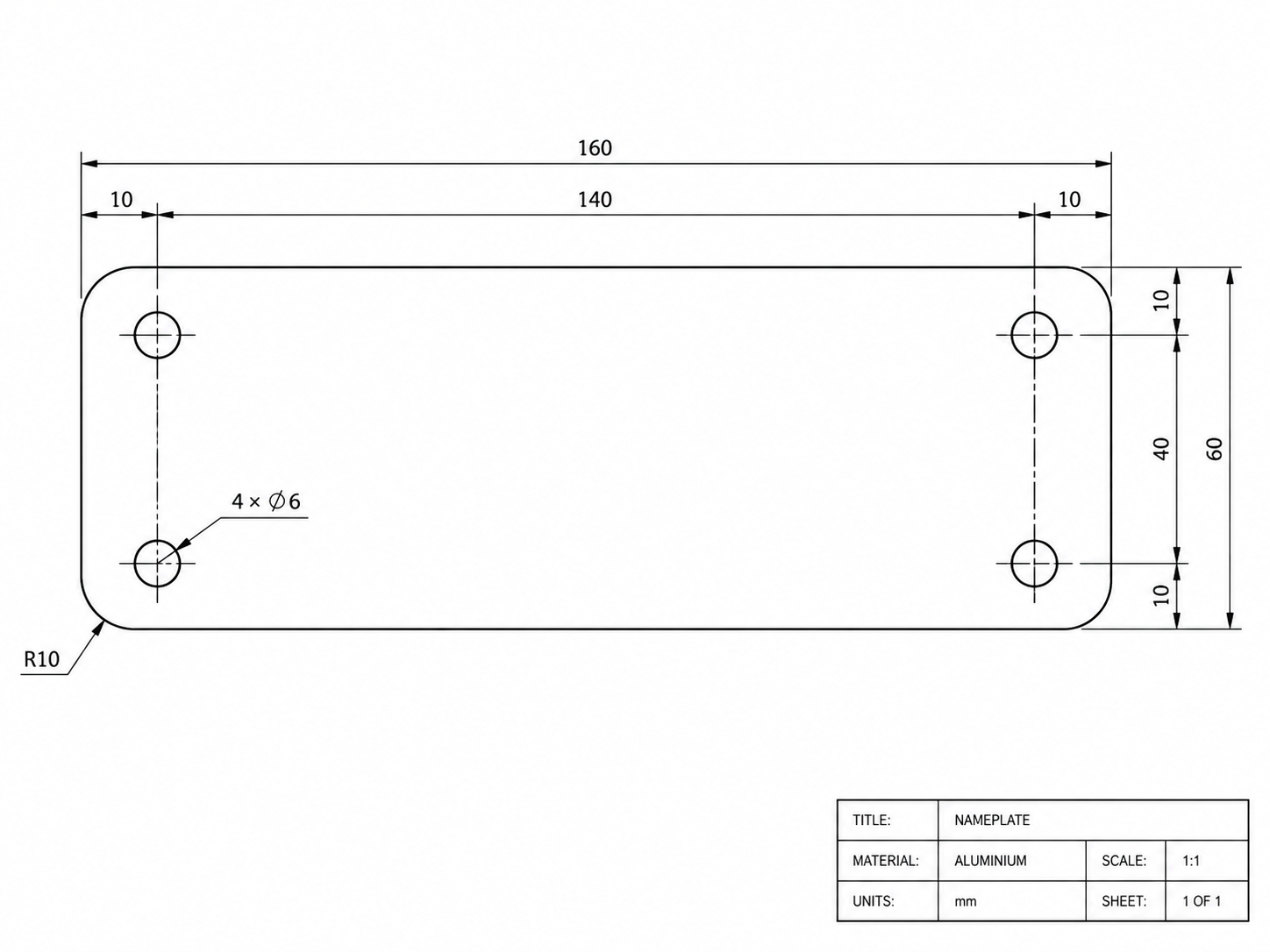
The engineering drawing is used to review the physical part, including:
- Overall shape and size.
- Thickness and edge details.
- Mounting holes and installation position.
- Mating surface and clearance requirements.
- Other dimensions that affect manufacturing or assembly.
This article does not replace a project-specific dimensional or tolerance review. The required details depend on the product, process, and installation condition.
3. Check for Agreement Before Sampling
A complete file package is useful only when the files describe the same part. Before sampling, compare the information that can change the finished product:
- Does the artwork show the same text and logo as the approved drawing?
- Do the drawing and artwork use the same plate outline and mounting-hole positions?
- Do the appearance references match the requested finish, color, grain, or gloss?
- Are the installation requirements consistent across the documents?
- Is each file clearly identified by its revision or date?
If two files conflict, the review should pause until the customer confirms the authoritative version. Do not assume that the newest filename, the PDF, or the CAD file automatically takes priority. The customer must confirm which information controls the sample or production part.
4. Confirm Files in Three Stages
The information needed at each stage is different. Treating every early detail as final creates unnecessary work; treating final production information as provisional creates uncertainty.
Stage 1: Initial Inquiry
Share the project purpose, approximate dimensions, quantity, mounting location, operating environment, and available references. At this stage, the goal is to understand the part and identify the information still needed for a meaningful review.
Stage 2: Sample Preparation
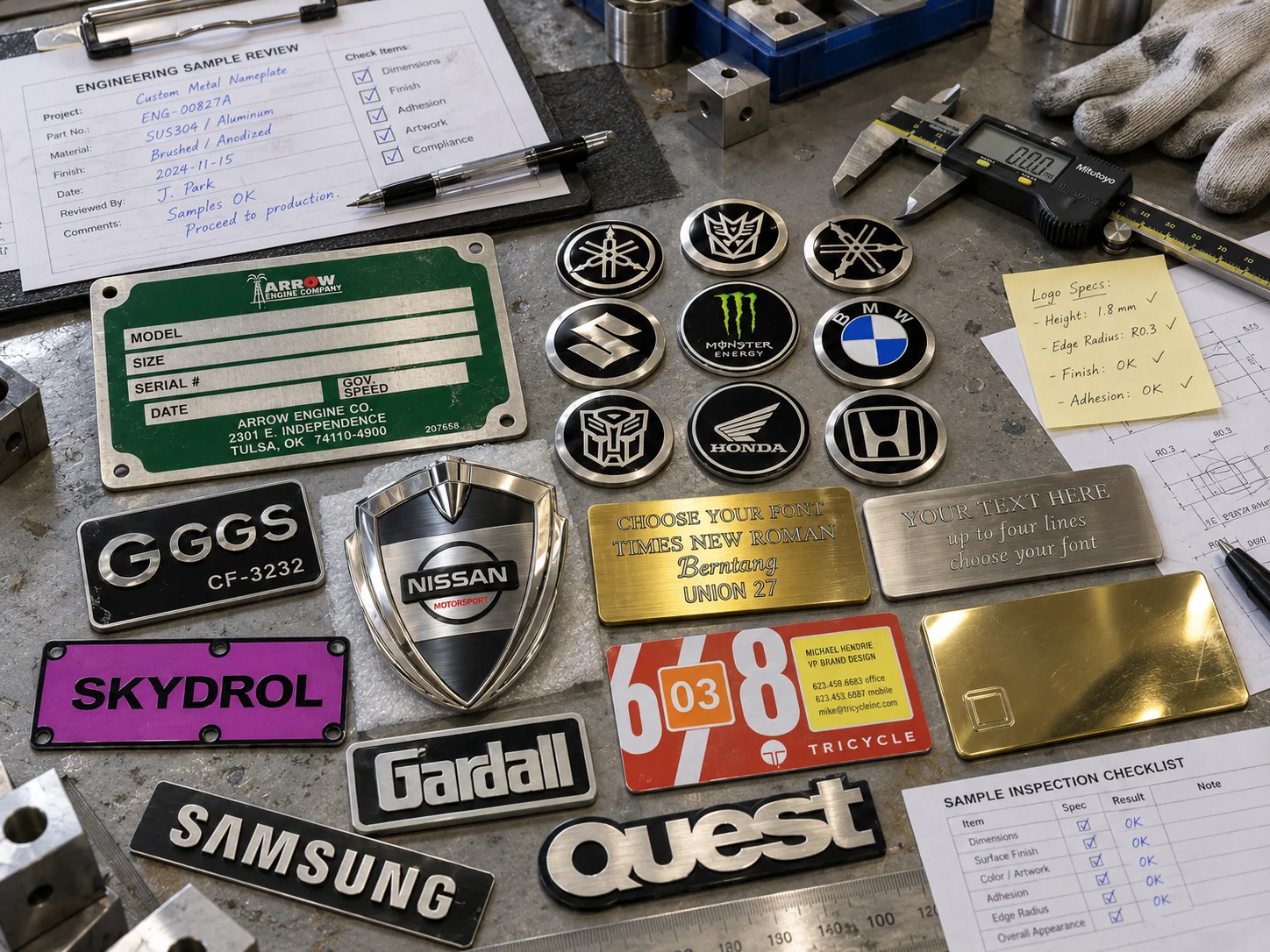
Before a sample is made, confirm the artwork, physical dimensions, appearance requirements, and installation details that the sample must represent. If any file has changed, identify the new revision and remove ambiguity between old and new information. When the sample arrives, use the sample approval checklist to confirm fit, appearance and readability.
Stage 3: Production Confirmation
Before production, compare the final approved artwork, mechanical drawing, appearance requirements, material, marking method, and mounting details. The approved revision can serve as the reference for production and repeat orders, subject to any later approved changes.
5. Prepare Your Available Information for DFM Review
You do not need to solve every manufacturing detail before contacting Himgo. Send the available information and identify what is still undecided:
- The artwork, drawing, photo, sketch, or sample currently available.
- Approximate dimensions and quantity.
- The mounting surface and installation location.
- Required appearance, marking, or variable-data information.
- Operating conditions that may affect material, finish, marking, or attachment.
- Any known deadline or sample requirement.
Himgo can review the supplied information, identify missing manufacturing inputs, discuss feasible material and process directions, and help define the information needed for sampling and quotation. The customer remains responsible for approving the final artwork, dimensions, appearance, installation requirements, and manufacturing revision.
Continue Your Project Review
For product context, see custom equipment nameplates. You can also review how we work and our manufacturing capabilities before submitting a project.
Ready to review your available files? Request a project review and quote with your artwork, drawing, photo, sketch, or sample information.
Request a Project Review Contact Engineering